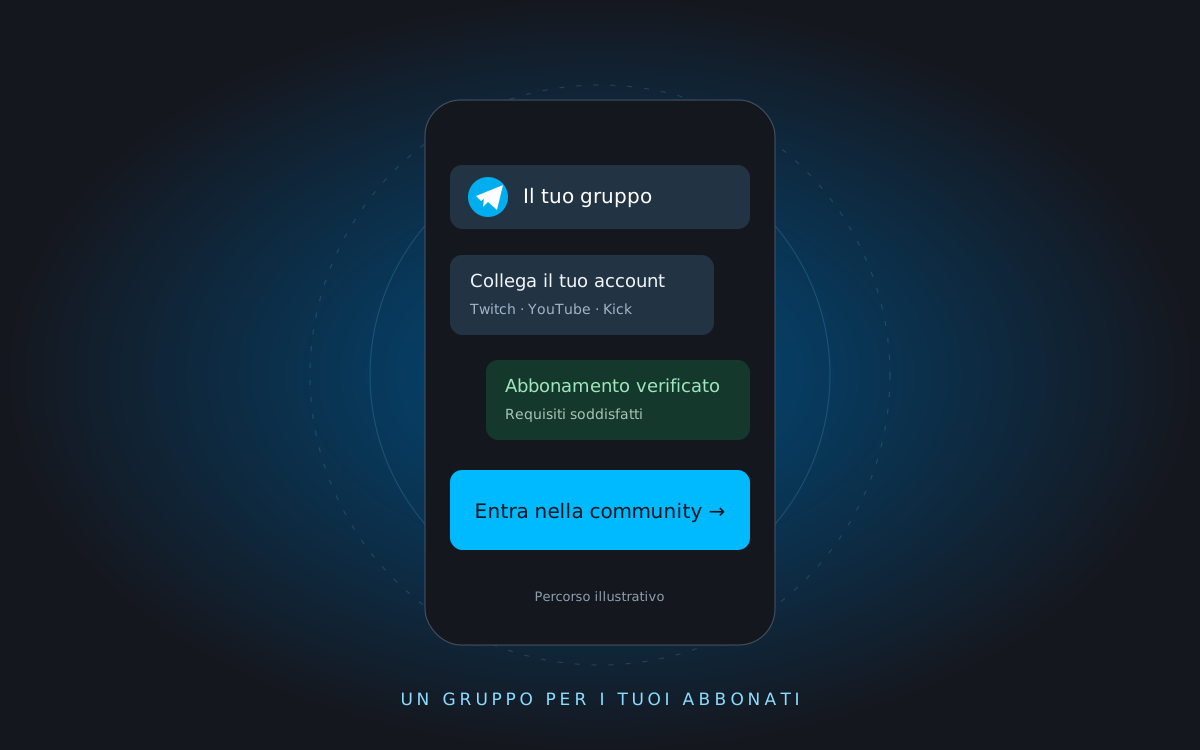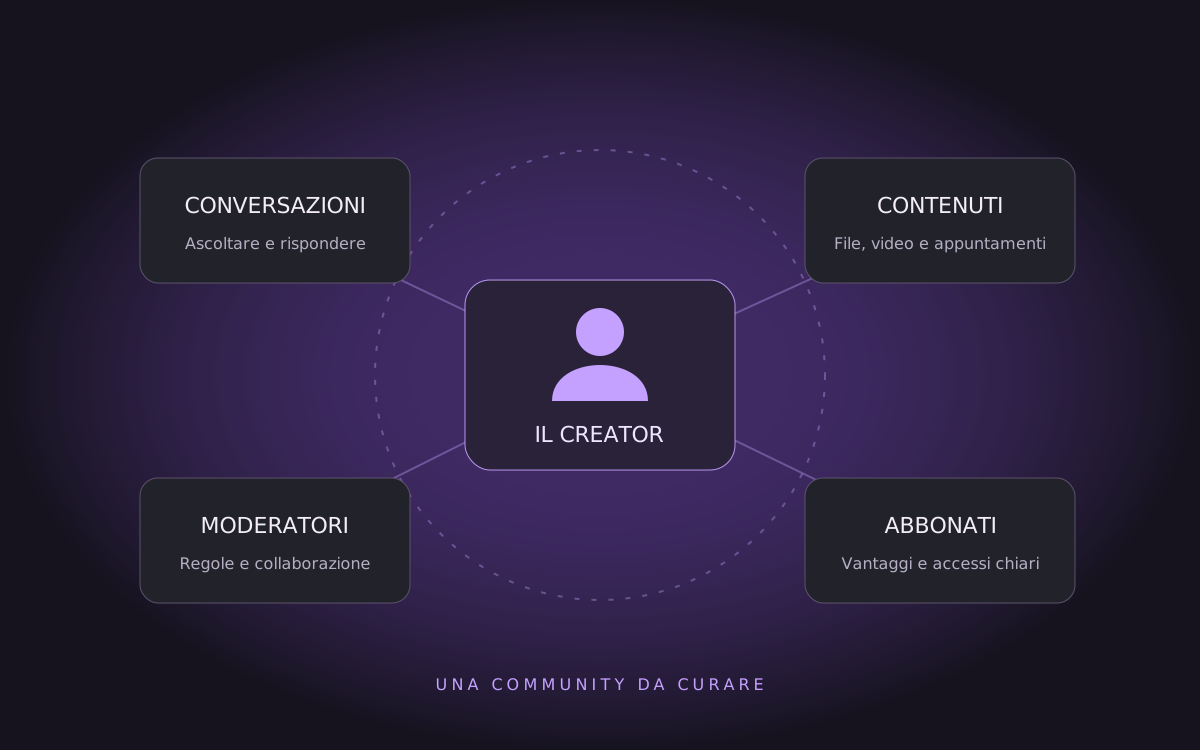
A stream ends, but the questions keep coming. A subscriber is looking for the promised materials, a new member does not know how to join the group, and a moderator needs to know who can access it. For a creator, community management means making these experiences clearer and more sustainable.
You do not need a group on every platform. You need to choose where to continue your relationship with your audience, explain what to expect and keep your commitments. Tools help organize the work; the value remains in the people and the content.
1Continue the conversation after the content
Comments, chat and private messages serve different contexts. A streamer can use chat during a stream and dedicate a group to questions to explore afterwards. A video creator can gather questions about a tutorial in one place, instead of leaving every answer in a private conversation.
The documentation from Twitch Creator Camp on community covers audience engagement, recognizing viewers and connections between creators. The practical suggestion here is to give the conversation a recognizable place and a pace the creator can sustain.
2Make subscriber benefits clear
People supporting a channel need to understand what they receive and where to find it. The official guide from YouTube on membership levels and perks describes how to offer members-only perks. Each creator needs to choose an offering that fits the platform’s rules and the time they have available.
A simple example: a creator publishes a tutorial for everyone and reserves the archive of project materials for subscribers. The resource page explains the requirement, how to connect an account and what to do if verification fails. Sharing a link in chat is not enough: the access journey needs to be clear.
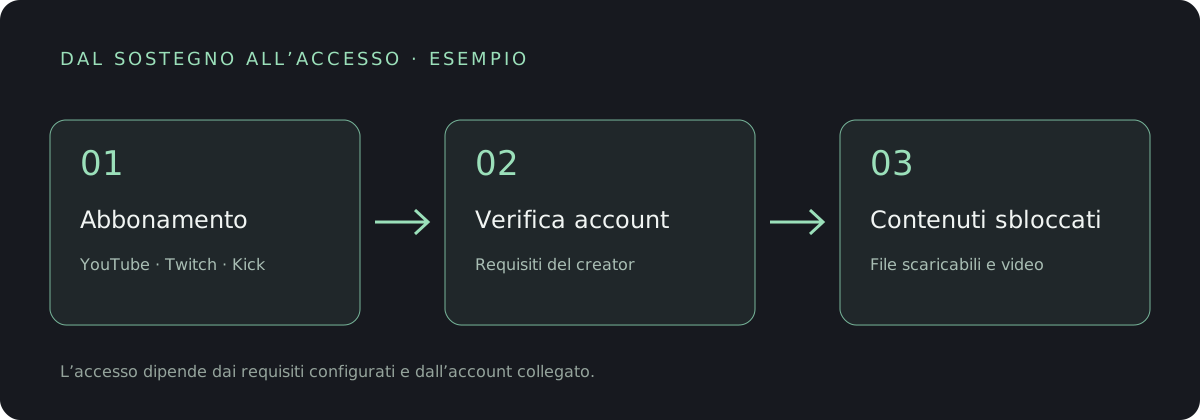
In CrewMaster, you can configure content requirements in CreatorVault. Access depends on the configured requirements and the recognized account, not simply on knowing the file’s address.
3Reduce repetitive work without losing touch
Checking every request by hand becomes a recurring task: verifying accounts, answering the same question, finding the right link. An organized workflow can reduce these steps, but requires initial setup and checks when something does not add up.
Before automating, write down the rules: who can join, what requirements apply, what exceptions you allow and who can manage them. Then choose the tools. The Telegram bot and Studio cover different parts of this work: group access and managing information and services.
4Work with moderators and set boundaries
A community space needs conduct rules, people to report problems to and consistent standards. The creator should clarify moderators’ roles and grant only the necessary permissions. The official Twitch safety page collects resources on safety and moderation.
It also helps to say when you respond. A private group does not mean the creator is always available. Clear hours, scheduled sessions and support arrangements help both participants and moderators.
5Organize links, sessions and materials
A central page can bring together your schedule, content and community links. With CreatorHub you build a block-based presence; with Crw.Bio you gather essential destinations on a link page. Choose based on what you need to show, without duplicating information you cannot keep up to date.
A YouTuber publishing a guide can put the video, available materials and next subscriber session on the same journey. The audience should not have to piece together information from old posts.
6Where to start in practice
- Define a purpose. Tutorial questions, discussions after streams or project materials: choose the main need.
- Clarify the offering. Describe what is public and what requires a subscription, including any limits.
- Test a new member’s journey. From the invitation to connecting an account and accessing the first piece of content.
- Involve a moderator. Agree on rules, permissions and how to manage exceptions.
- Review the workflow. Watch for repeated questions, access problems and participation. Fix what causes confusion.
Community management does not guarantee more subscriptions or revenue. It does, however, offer a more organized way to keep promises, listen to your audience and share the workload. Start with a useful experience, then add the tools you really need.